
Can You Reuse an eSIM QR Code for Japan Travel? Is It Possible to Install an eSIM More Than Once?
Updated : 2025-05-07 17:45:22
If you’re planning a trip to Japan, one important thing is to make sure you can use your smartphone there. To enjoy Japan’s beautiful scenery, delicious food, and rich culture, having an internet connection is essential. You can buy a SIM card or rent a Pocket WiFi at Japanese airports, but no one wants to waste time waiting in long lines or going through procedures. Also, airport prices are often high, so it’s better to arrange a way to stay connected before you arrive in Japan. That’s where a eSIM comes in handy.
With an eSIM, there’s no need to swap a physical SIM card. In many cases, you can buy it online in advance and simply scan the QR code with your phone to complete the setup easily.
If you’re using an eSIM for the first time, you might have some questions like, “Can I only use the QR code once?”, “What if I delete it by mistake? Can I use it again?”, or “Could someone else replace it without me knowing?”
To give you a clear answer: the QR code used to install an eSIM can only be used once. And you can’t install it on your phone multiple times using the same QR code.
In this article, we’ll explain why that is and share some useful tips to help you use an eSIM with confidence during your trip!
What Is an eSIM QR Code? The Basics
First, let’s briefly explain what an eSIM is. eSIM stands for “Embedded SIM.” It’s a digital SIM that’s built into your device, so there’s no need to insert or remove a physical card. To use an eSIM, you need to get an “eSIM profile” from a carrier. This profile contains the data needed to activate your eSIM. One of the most common ways to install this profile is by scanning a QR code. The QR code sent by the carrier includes information such as authentication and access data needed to activate your eSIM. When you scan this QR code with your smartphone’s camera, the data gets installed, and your eSIM becomes ready to use. You can think of it like inserting a physical SIM card into your phone’s SIM tray.
A QR Code for eSIM Can Usually Be Used Only Once
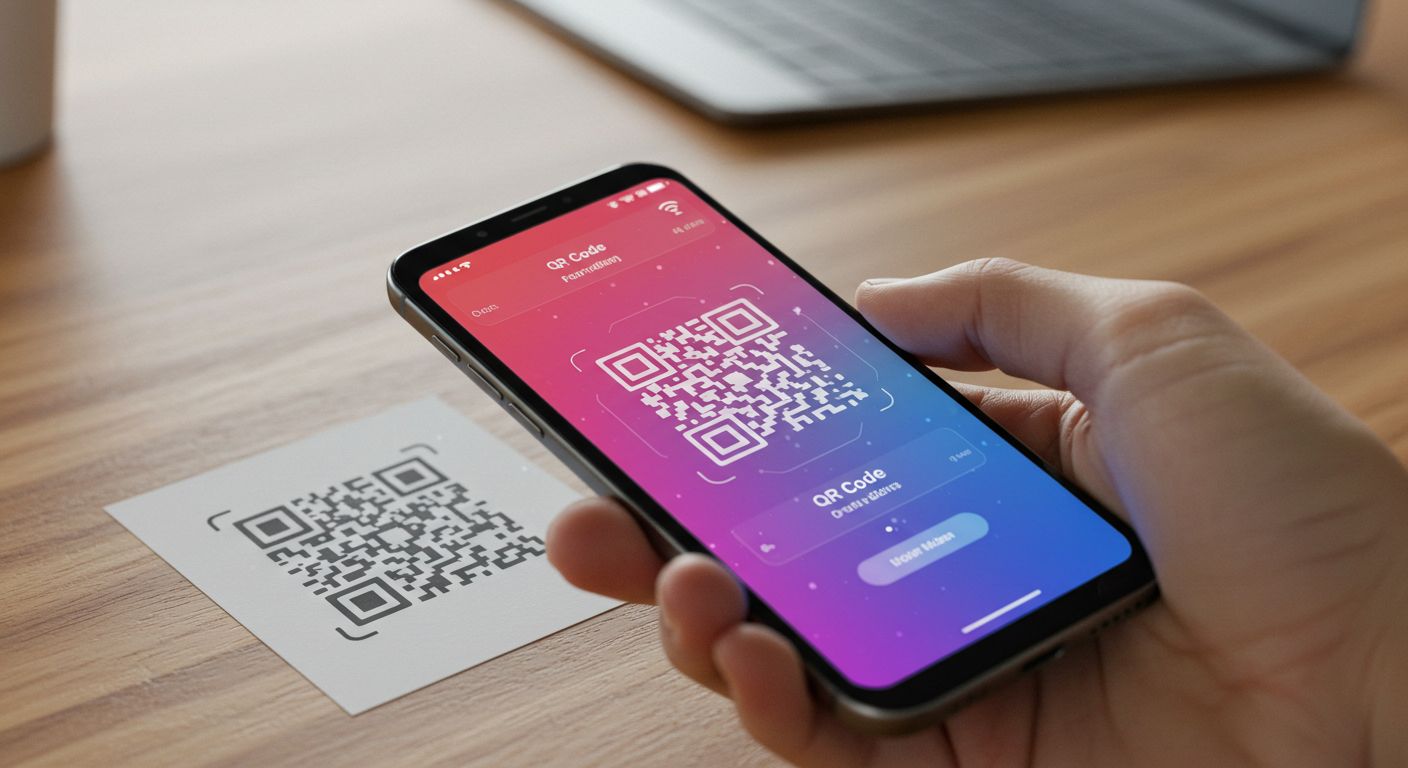
The QR code used to set up your eSIM can only be scanned once to install the profile on your device. This is because the QR code works like a key to install that eSIM profile on your device. Once the key is used to open the door (meaning to install the eSIM), it can’t be used again—just like a single-use key. If someone else scans your QR code before you do, you won’t be able to use it to install the eSIM on your phone. (Don’t worry—this doesn’t mean your contract info will be used by that person. It just means you won’t be able to use that same QR code anymore.) Also, after you’ve installed the eSIM, if you try to scan the original QR code again, it will usually be treated as “already used” and won’t work.
Why Only Once? Technical and Security Reasons
The main reason a QR code for eSIM can only be used once is to protect your security and prevent misuse.
Unique Authentication Info
Each QR code contains unique, one-time-use authentication data and security keys. These act like a one-time password that links a specific eSIM profile to your device. Once used, the system disables the code to keep it secure.
Preventing Unauthorized Copies and Sharing
If QR codes could be reused, people could copy the code and use the same eSIM on multiple devices or share it with others. This would break the carrier’s rules and cause serious security risks by allowing anyone to copy the eSIM easily.
Protecting Personal Information
Some eSIM profiles may contain your personal identification information. By limiting the use of the QR code, the system prevents that data from being installed on multiple devices or falling into the wrong hands.
Reinstallation Is Not the Same as Reusing the QR Code!
Here’s an important point that many people get confused about!
“I accidentally deleted the eSIM from my phone!”
“I switched to a new phone and want to move the eSIM to it!”
In these cases, you might think, “Can I just scan that old QR code again?” But as mentioned before, you usually can’t reinstall the eSIM by scanning the same QR code again because it was a one-time-use code.
Some service providers allow reinstallation of an eSIM profile if it was already installed once, such as when you delete it or move to a new device.
However, many short-term eSIMs that are meant for 30-day or similar usage often don’t support reinstallation.
In these cases, you won’t reuse the original QR code. Instead, you’ll go through a process using your account on the provider’s app or website. The provider will check that you are the rightful user of the eSIM and allow you to download the profile again.
So remember: whether you can reinstall your eSIM depends on the provider’s policy. Even if it’s possible, it will involve a different process—not simply scanning the old QR code again.
Things to Watch for With eSIMs for Japan Travel
When using an eSIM during your trip to Japan, there are a few things to keep in mind, since it’s usually for short-term use.
- Activation (installation) deadline: Some eSIMs require you to install the profile within a certain number of days after receiving the QR code. To avoid problems, check the deadline before your trip and install it as soon as you arrive.
- Usage period: Travel eSIMs often come with limits like “Unlimited for X days” or “X GB for Y days.” Be sure to check your start date, data limit, and expiration so you can use it smoothly.
Use Your eSIM With Confidence
eSIMs are a convenient way to stay connected while traveling in Japan. Here’s a quick summary of what you should know about QR codes used for setup:
- The QR code for installing an eSIM can usually be used only once.
- This is a key rule for technical reasons, security, and to prevent unauthorized use.
- If you delete an installed eSIM, whether you can reinstall it depends on the provider. Even if it’s allowed, you’ll usually need to go through a special process instead of just rescanning the old QR code.
- For travel eSIMs, always check the activation deadline and usage period carefully.
If you understand how to use eSIMs correctly, they can be a powerful tool to make your trip to Japan more enjoyable. When choosing a provider, don’t just look at price or data size—make sure the setup process works for you.